
Need a little ACAC TLC?
We're here for you.
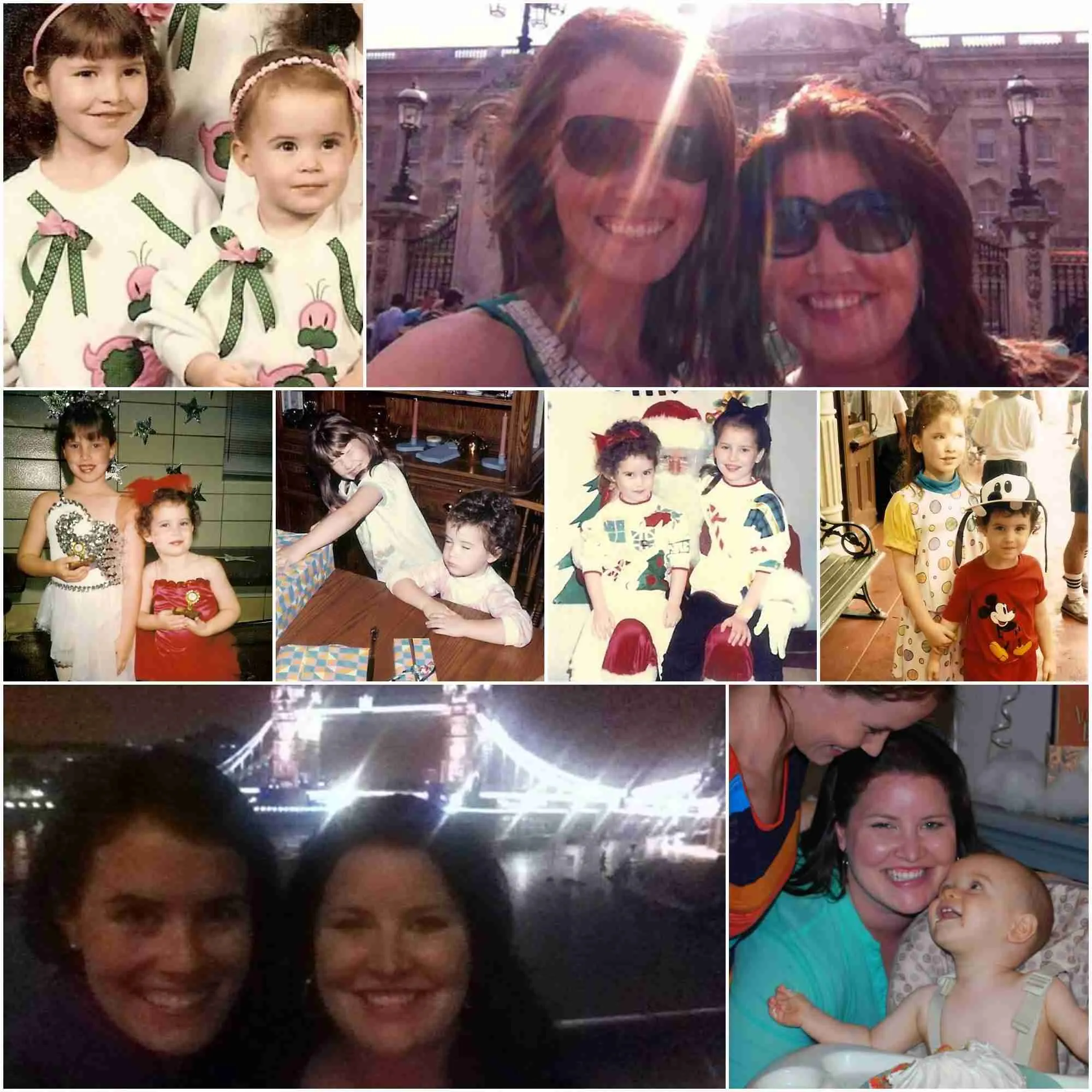
And by "we" - I mean my sister Stacey and I (collaged at right).
If you don't see your Q answered in the FAQs below, send it our way!
You've got two options:
1. Email Stacey at support@nikkielledgebrown.com, or
2. Call her at 281.845.4220. Refreshing, right? :) We like the phone.
She'll be happy to get back to you as soon as she can, usually within one biz day of receiving your message.
We're here to help you make the most of your workshop experience!
Most Frequently Asked Workshop Qs
Oops -- I lost the password!
If you don't still have your original welcome email, just email Stacey at support@nikkielledgebrown.com and she'll get back to you with the password. Easy peasy.
I found a typo. Wanna know about it?
YES! And no. Ha! I do. Please send Stacey a note and we'll keep track of any and all miscellaneous typos for future material updates.
Can I hire Nikki to help me one-on-one?
I'm not taking any new clients at the moment, as ACAC is filling up (what I at least like to pretend is) my part-time work schedule. If you'd like to be put on a list for when I DO open up more premium 1:1 spots, email us so we can keep you in the know!
How can I upgrade to the full version of ACAC?
Click the link at the bottom of any lesson page, OR click right here. (Can't wait to welcome you!)
How long do I have access to these materials?
For their digi-lifetime! They're not going anywhere anytime soon, so come back to refresh your skills as often as you'd like :)
What setup do you use to make your videos?
I've got all my equipment listed riiiiiight here.
Got a Q about PDFs? (Read on.)
Q: I clicked the link and I can’t type in the boxes. HELP!
A: The fillable boxes will only work in a PDF reader (preferably Adobe Reader). Click the “download” button in the upper right hand corner of your browser, and you’ll be on your way to fillable bliss.
Q: I tried printing my workbook but it doesn’t fit right. What’s the problem?
A: Check your page layout settings to make sure your orientation is set to "Landscape." It also helps to select “Scale to Fit”.
Q: I filled in my answers and tried to print, but all I got was the blank workbook. What happened?
A: Go to File > Save As and give your (filled) workbook a different name than the original download. This will help your computer avoid any confusion as to which version you want a hard copy of.
Still not quite sure how to get your hands (or keyboard) on a workbook PDF? Here are your options.
Option 3 (good for a quick peek, but NOT for saving in fillable fields): Click to open in your internet browser + follow along. (We don't recommend it because you won't be able to use the fillable fields in your browser.)
Option 1: Click to open + then use your browser's trusty “Download” button to save it to your computer.
Option 2: Right click (or command+click on a Mac) and select “Save Link As” to send the file straight to your hard drive.
Once the file is downloaded, you can type in the fillable boxes to your heart's site's content.
NOTE: The workbook was designed to work with Adobe Reader. If you’re using another PDF viewer (like Preview in Mac), it will probably work there as well.
No matter the program, PLEASE be sure to test first to be sure your work will save. ****Don't risk losing all of your hard work!!**
If you don’t have Adobe Reader, you can download it for FREE right here: https://get.adobe.com/reader/
When all else fails - you have our blessing to use a Google doc or a Word doc and GO FOR IT. Don't let technology slow you down :)